Managing User Accounts in Standard Fleet
Last updated: April 29, 2025
User accounts allows you to delegate access to fleet managers, cleaners, or other team members while keeping your primary admin credentials secure.
Managing user accounts in Standard Fleet
Log in to your Standard Fleet dashboard via the web app, using your primary admin account.
Click on your email profile in the top right corner to open Account Settings.
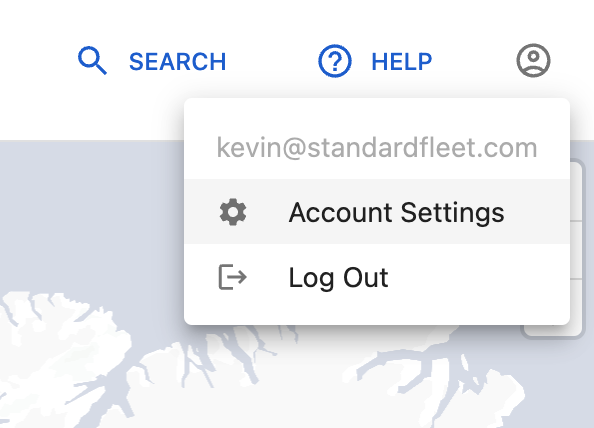
From there, you can view and manage user accounts with access to your primary dashboard.
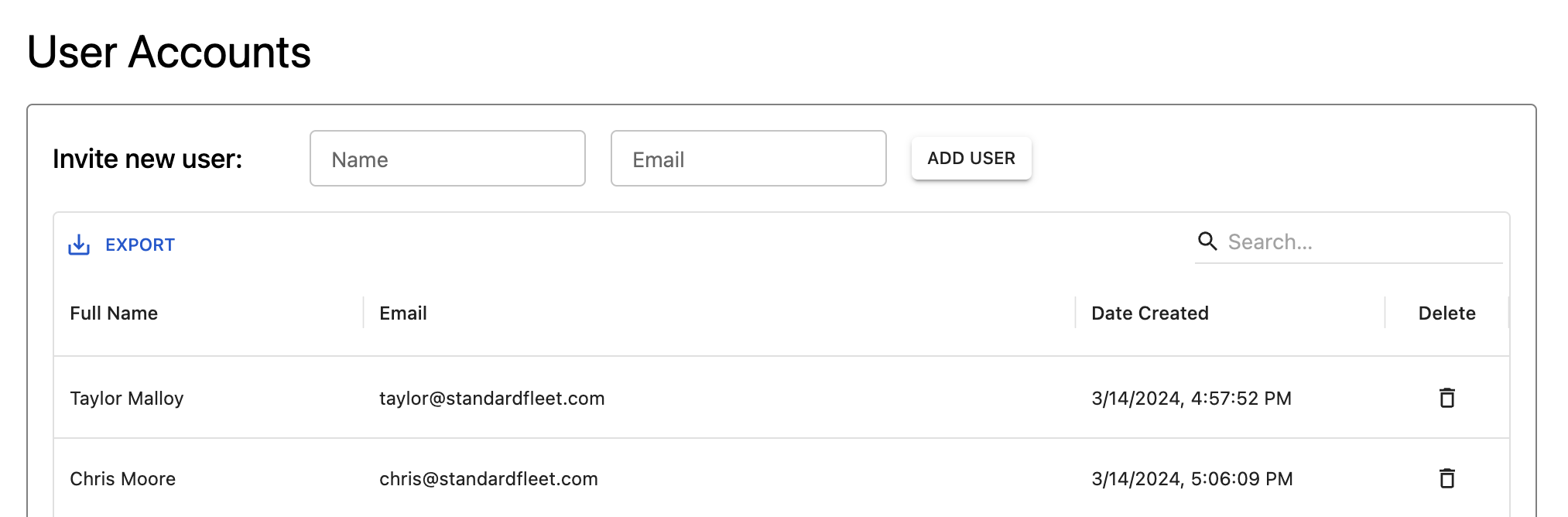
Adding new users
Enter the Name and Email of the user you want to create a Standard Fleet user account for, then click Add User.
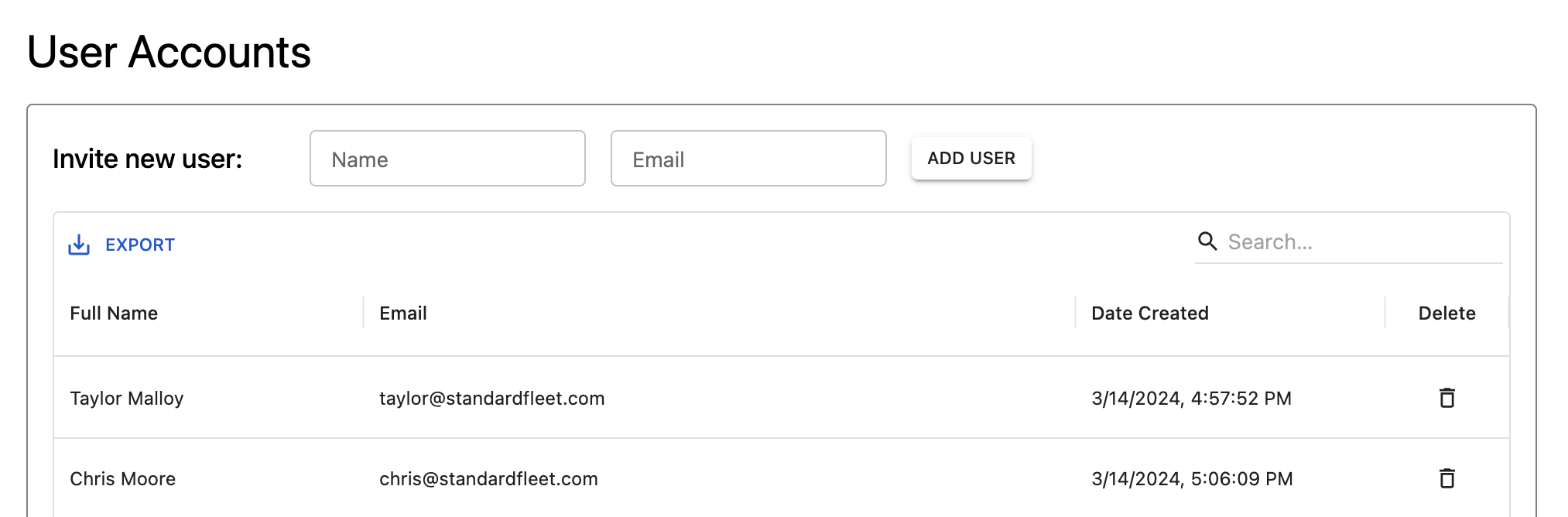
The invitee will receive an email prompting them to create their own Standard Fleet account.
Once their account is created, they can log in directly to Standard Fleet and access your dashboard.